Business Systems · Jinn Systems
CRM Development
Company
Building systems that manage and scale customer relationships starts with understanding how your business actually sells and serves customers — not with adapting to a vendor's process model.
Jinn Systems is a CRM development company that builds custom customer relationship management systems around your actual sales process, customer lifecycle, and operational workflows. The result is a system your team uses because it reflects how they work, not because they have been told to.
What we design first
- Sales process mapping before the data model is designed
- Customer entity structure that reflects your actual account hierarchy
- Integration architecture that connects CRM to the rest of the business system
Services · Business Systems · CRM Development
The customer data problem
Scattered data is a growth ceiling.
Most growing businesses reach the same inflection point with customer data. Leads come from multiple channels and land in different places. The sales pipeline is tracked in a spreadsheet that only one person maintains correctly. Customer interaction history is distributed across email inboxes, call notes, and WhatsApp threads. When a deal is lost, nobody knows why because no record was kept that way.
Off-the-shelf CRM tools make this worse in a specific way. They provide a structure that does not match how the business sells, so the team uses it partially — logging the data the CRM requires while maintaining their own shadow systems for the data the CRM does not accommodate. The result is two incomplete records instead of one complete one.
The fundamental problem is that a generic customer relationship management system is designed around an average sales process. Your sales process is not average. The stage model, the stakeholder structure, the qualification criteria, the handoff points between pre-sales and delivery — these are specific to your business, and encoding them into a system that was not designed for them produces friction every day the team uses it.
The system-level solution
A CRM is a business system, not a contact list.
A well-designed customer relationship management system is the operational layer between the business and its customers. It does not just store customer data — it manages the workflows that move customers through the lifecycle, surfaces the information each team member needs at each stage, and produces the reporting that tells management where the pipeline is and why.
Custom CRM development starts with understanding the customer lifecycle in your specific business: how leads enter the system, how they are qualified and assigned, what information needs to be captured at each stage, which activities are required before progression, and how the outcome of each deal feeds back into future forecasting.
That understanding is what makes the difference between a CRM system your team uses because it works and one they avoid because it adds friction to a process that worked better without it.
65%
of CRM implementations are rated as failures due to poor adoption — primarily because the system did not reflect how the team actually works
2–3x
the cost of configuring a generic CRM to match a non-standard sales process versus building the system around that process from the start
01 — Process before structure
The sales process is mapped before the data model is designed. The CRM reflects how deals actually progress, not how a template assumes they should.
02 — Single source of truth
Every customer interaction, in every channel, captured in one place. No shadow systems, no parallel spreadsheets, no lost context when a deal changes hands.
03 — Connects to the business
A CRM that does not connect to operations, finance, and delivery is an island. The system is designed to integrate with the rest of the business from the start.
Who we work with
Built for businesses where customer management is a system problem.
Sales-Driven
Managing a complex pipeline across a sales team
Deals involve multiple stakeholders, long cycles, and non-linear progression. The generic stage model in an off-the-shelf CRM does not accommodate the way your sales process actually works, and configuring it to fit costs more each quarter in workarounds and manual adjustments.
Custom CRM →High Volume
Handling a large customer base with limited visibility
Customer records are spread across systems. Interaction history is incomplete. Reporting requires manual extraction and aggregation. You have a large customer base but limited visibility into the health of those relationships because the data is not in one place and not structured to answer the questions you need answered.
Business Systems →Scaling Teams
Customer operations growing faster than the current system supports
The process that worked at 5 salespeople does not scale to 25. Lead assignment is manual. Onboarding new team members takes weeks because the system requires tribal knowledge to navigate. Reporting is inconsistent because each person captures data differently in a system that does not enforce structure.
Architecture Design →Replacing Tools
An existing CRM that costs more to maintain than to replace
You implemented a CRM platform and spent years customising it to approximate your process. The licensing cost grows with headcount. The customisations break when the vendor releases updates. New requirements require expensive consultant engagements to implement what should be a straightforward change.
Systems Consulting →Definition
What a CRM system actually does.
A customer relationship management system is the operational layer that manages every interaction between a business and its customers, from the first lead through the full account lifecycle. It is not a database of contacts. It is a system that tracks where each relationship stands, what actions are required, which team member is responsible, and what the history of the relationship looks like from the first touchpoint to the current state.
The distinction between a contact database and a CRM is in the workflow layer. A contact database stores data. A CRM manages the process of moving through a defined set of stages, capturing the specific information required at each stage, triggering the right actions at the right moments, and producing the reporting that tells you whether the process is producing the outcomes the business needs.
When a CRM is designed correctly for the business using it, the team does not need to be told to use it. The system reflects how work actually gets done. Logging an interaction is easier in the CRM than outside it because the CRM provides context — the history, the next action, the outstanding requirements — that makes each interaction more effective.
A well-built CRM also connects the customer-facing side of the business to the operational side. A deal closed in the CRM creates a customer record that is immediately visible to finance for invoicing, to operations for delivery, and to service for ongoing account management. The CRM is the front-end of the customer lifecycle; the ERP handles the back-end operations. When both share the same customer entity, the business has complete visibility without manual reconciliation between systems.
This integration is not a nice-to-have. It is the difference between a CRM that is a siloed sales tool and one that is a business system. The data captured during the sales process is the foundation of customer service, billing, and account management. Keeping it isolated in a separate system means that foundation has to be rebuilt from scratch every time a customer moves from prospect to client.
Custom CRM software development produces this integrated system. Not a tool that manages one part of the customer relationship in isolation, but a system that manages the full lifecycle and connects it to the operations that deliver on what sales promises.
Scope of work
What we build.
Custom CRM Systems
01Full custom CRM systems built around your specific sales process, customer lifecycle, and team structure. The data model reflects your actual account hierarchy. The stage model reflects how your deals actually progress. The automation rules reflect the decisions your team makes repeatedly. No licensing cost, no vendor constraints, owned entirely by your business.
Integrated Business Systems
02CRM systems designed from the start to integrate with the wider business: finance, operations, delivery, and service. The customer entity is shared across all relevant systems so that a change in one is immediately reflected in the others. No manual data transfer between sales and operations, no duplicate records, no version conflicts between what the CRM says and what the ERP holds.
Web-Based CRM Platforms
03Browser-based CRM systems accessible from any device, with role-based access across teams, real-time data updates, and a UI designed for the people who will use it every day. Not a generic dashboard with your branding applied. A purpose-built interface that makes the right action at each stage the easiest action to take, reducing training time and improving data quality.
Scalable Backend Systems
04The backend architecture of a CRM determines whether it scales with the business or becomes a bottleneck. A data model designed for 500 customers performs differently at 50,000. We design the database structure, query patterns, and API layer before building the application, so the system handles growth without requiring an infrastructure rebuild at the worst possible time.
Feature structure
Core CRM modules and how they connect.
Each module manages a distinct part of the customer lifecycle while sharing the same underlying customer and contact data. A lead in the lead management module and an account in the pipeline module are the same entity at different lifecycle stages — not separate records that need to be linked manually.
Lead Management
Lead capture from multiple channels — web forms, phone, email, referrals, events — with automatic deduplication and assignment based on defined rules. Qualification criteria applied consistently across all leads, not based on individual salesperson judgment. The lead management layer determines the quality of data the rest of the CRM depends on.
Feeds: Sales Pipeline, Contact Tracking
Sales Pipeline
Stage-based deal management built around your actual sales cycle, not a generic 5-stage funnel. Required activities at each stage. Stakeholder tracking per deal. Stage progression rules that enforce process consistency across the team. Forecasting based on weighted pipeline values, with conversion rates calculated from historical data rather than estimated manually.
Feeds: Reporting, Finance Integration
Customer Tracking
Complete interaction history for every customer: calls, emails, meetings, proposals, contracts, support requests. Accessible to every team member with the appropriate permission level. When a deal changes hands, the incoming salesperson sees the full context without a briefing. When a support request arrives, the service team sees the sales and account history without calling the account manager.
Feeds: All modules
Automation
Workflow automation built around the decisions your team makes repeatedly: follow-up scheduling after a proposal is sent, escalation when a deal has been stalled at the same stage beyond a defined threshold, notification to management when a deal above a certain value changes status, automatic task assignment when a lead meets specific qualification criteria. Automation encodes the process so the team can focus on judgment, not administration.
Connects to: Pipeline, Lead Management
Reporting & Analytics
Pipeline reports, conversion rate analysis, stage velocity tracking, team performance, win-loss analysis, and revenue forecasting — all generated from the live operational data in the CRM. Management gets a real-time view of the pipeline without waiting for weekly reports. The reporting layer answers the questions the business actually asks, not the questions a generic reporting dashboard was designed to answer.
Draws from: All modules
Communications
Email, SMS, and document management integrated into the CRM workflow. Proposals generated from templates with customer data populated automatically. Communication history logged against the customer record without manual entry. Outbound campaign management for account-based outreach. Every communication is visible to the team, not buried in an individual email inbox.
Connects to: Customer Tracking, Pipeline
Architecture layer
Core CRM system design decisions.
Custom vs Off-the-Shelf
Off-the-shelf CRM platforms are built for the median sales process. When your process deviates significantly from that median — different stage models, non-standard contact hierarchies, industry-specific qualification criteria — the cost of adapting the platform accumulates with every new requirement. Configuration becomes customisation. Customisation becomes a maintenance burden.
The break-even point between a configured off-the-shelf CRM and a purpose-built system is lower than most businesses expect, particularly when the full cost of licensing, customisation, and ongoing maintenance is accounted for. A custom CRM designed around your process typically costs less to maintain over a 3-year period than a generic platform configured to approximate it.
CRM and ERP Integration
The highest-value CRM configuration is one that connects seamlessly to the business's ERP. A sale closed in the CRM creates a customer record in the ERP without manual data transfer. Order history from the ERP is visible to the sales team in the CRM when they are managing an account. Financial performance per customer is visible to account managers without requiring a separate report from the finance team.
This integration is designed at the architecture level, not added as an afterthought. The customer entity, the account structure, and the key reference data need to be consistent across both systems from the first build. Integrating two systems that were designed independently with different data models is significantly more expensive than designing the integration as part of the initial architecture.
ERP Development Company →Data Structure
The customer data model is the foundation everything else depends on. The contact and account hierarchy must reflect the way the business thinks about its customer relationships: individual contacts within companies, multiple locations for enterprise accounts, parent and subsidiary structures for group clients. Getting this wrong means the reporting layer cannot answer the questions it was designed to answer.
Custom fields, relationship types, and data validation rules need to be designed alongside the stage model, not as an addition to it. A CRM field that is optional produces inconsistent data. A field that captures the wrong level of granularity produces data that looks complete but cannot be used for the analysis that justified collecting it.
Scalability
A CRM that serves a team of 10 managing 2,000 active customers operates under very different conditions than one serving a team of 100 managing 200,000. Query patterns that perform well at low volume become bottlenecks as the database grows. The reporting layer needs to aggregate across larger datasets. The automation system processes higher volumes of triggers simultaneously.
Scalability decisions — indexing strategy, query optimisation, caching layer design, background job architecture — are made at the design phase, not after performance problems emerge. A CRM designed for 2,000 customers is harder and more expensive to scale to 200,000 than one designed with growth in mind from the start.
From the field
CRM systems we have designed and built.
Case Study 01
SalesFlow CRM
B2B sales pipeline management system
The situation
SalesFlow is a B2B services business with a sales team of 40 working across three regions. Their pipeline was managed in a combination of spreadsheets and an off-the-shelf CRM whose stage model did not accommodate their actual sales cycle — deals regularly required moving backward through stages based on stakeholder decisions, which the linear model of the existing system could not represent. Conversion tracking was inaccurate, forecasting was unreliable, and management visibility required weekly manual compilation from each regional manager.
System design approach
We designed a custom CRM with a non-linear stage model that reflects how the sales cycle actually progresses: stages that can be revisited, stakeholder tracking per deal showing which decision-makers have been engaged and at what stage, and required activity records before certain stage transitions are permitted. Regional pipeline data rolls up to a central management view in real time without requiring manual report submissions.
Outcomes
Pipeline visibility went from weekly delayed reports to real-time dashboards. Sales team adoption was high because the CRM reflects the way deals actually work, not a simplified version of it. Conversion tracking became accurate for the first time because stage movement in the system matches stage movement in the actual process. Management gained the ability to identify stalled deals and coaching opportunities from the pipeline data rather than from individual conversations.
Real-time
Pipeline visibility
3 regions
One unified system
Accurate
Conversion tracking
Case Study 02
MediSync CRM
Patient interaction and care coordination system
The situation
MediSync manages patient interactions across a clinical network. Patient records were in the clinical system, appointment scheduling was in a separate booking tool, and follow-up communication was tracked in individual email inboxes. Care coordinators checked three systems to understand each patient's current status, spending significant time on system-switching rather than patient interaction. Patients who missed scheduled follow-ups were identified through manual review, not by the system.
System design approach
We built a CRM that aggregates patient interaction context from the clinical system and booking tool into one coordinator view. Automated follow-up triggers ensure that patients who do not respond within the defined window are flagged for coordinator action without manual review. Communication history is logged against the patient record automatically, giving any coordinator complete context when picking up a patient relationship mid-cycle.
3 tools
consolidated into one view
0
Missed follow-ups past threshold
Full
Context on every handoff
Case Study 03
PropFlow CRM
Real estate lead and client management platform
The situation
PropFlow handles a high-volume residential sales pipeline with multiple agents across property categories and locations. Leads arriving from the website, phone, and referrals were being created as separate records when they represented the same enquiry. Property availability was in a separate system, requiring agents to switch applications mid-conversation. Lead distribution was manual, creating uneven workloads and slow response times during peak volume periods.
System design approach
We designed a centralised CRM with a unified lead ingestion layer that identifies and merges duplicate enquiries across all entry channels before they reach the agent queue. Property availability from the existing listings system is surfaced directly in the CRM lead view. Automated lead assignment distributes incoming enquiries based on property type, agent workload, and location zone, removing the manual distribution step.
Near 0
Duplicate lead rate
Faster
Lead response time
Auto
Lead assignment, zero manual
Our process
How we build CRM systems.
01
Business Analysis
We conduct a structured analysis of the current sales process, customer lifecycle, and team structure. Who manages which relationships, at which stages, with what information requirements. The gap between the current system and what the team actually needs is mapped explicitly before any design work begins.
02
Workflow Mapping
Every workflow the CRM will support is documented: lead entry and qualification, pipeline stage transitions and the requirements at each, handoff points between sales and other departments, automation triggers, and escalation rules. The workflow map is the specification the system is built to.
03
Architecture Design
The data model, customer entity structure, integration points, API design, and reporting architecture are defined before development begins. Integration with existing systems — ERP, accounting, booking — is designed at this stage so it is part of the foundation, not an addition to it.
Architecture Design →04
Development
Iterative development against the workflow maps and architecture document. Core pipeline and contact management are delivered first, so the team can begin using and providing feedback on the system while additional modules are built. Data migration from existing systems is planned and executed in parallel with development.
05
Integration
Connections to external systems are built and tested against the production environments, not mocked APIs. Integration with ERP, accounting software, communication platforms, and web forms is validated end-to-end before the CRM goes live. Data flowing in both directions is verified for accuracy and conflict resolution.
06
Scaling
The CRM is deployed with performance monitoring, query tracking, and a defined support window. New modules — additional sales verticals, new automation rules, expanded reporting dimensions — are added when the team is ready for them. The architecture supports extension without structural changes to the core system.
Location
CRM development
in the UAE.
UAE businesses across real estate, healthcare, professional services, trading, and financial services are scaling their customer operations rapidly. The pattern is consistent: a sales process that worked at smaller scale, tracked in a combination of spreadsheets and a generic CRM configured to fit as well as it could, becoming a constraint on growth as the volume and complexity of customer relationships increases.
The most common mistake businesses in the UAE make with CRM is selecting a platform based on brand recognition rather than process fit, then spending the first year attempting to configure it to match how the business works. That configuration effort is ongoing — every new requirement, every process change, every new team member adds more customisation debt to a system that was designed for someone else's business.
Jinn Systems is based in Sharjah and builds CRM systems for UAE businesses that need a system designed around their specific operations. We understand the Arabic language requirements, the UAE market's relationship-driven sales culture, and the integration needs with local accounting platforms and government digital services. That context informs the system design from the first workshop session.
We serve clients across
Headquarters
Sharjah, UAE
UTC+4 (GST)
Market expertise
UAE sales environments
Relationship-driven sales context
Languages
English & Arabic
Arabic CRM interface support
Response
Same business day
For all UAE clients
System integration
From CRM to a complete business system.
A CRM is the front-end of the customer lifecycle. It manages relationships from first contact through conversion. But the customer lifecycle does not end when a deal is closed. It continues through delivery, billing, account management, renewal, and expansion. A CRM that is isolated from the systems managing those downstream processes is a partial solution.
The highest-value CRM implementations are the ones integrated into the broader business system. When a deal closes in the CRM and automatically creates a project in operations, a customer in finance, and an account in the service desk — without manual data transfer or re-entry — the business gains the continuity of information across the customer lifecycle that most organisations spend significant effort trying to maintain through human coordination.
This integration between CRM and ERP is the most consequential system connection in a business. The same customer entity, the same order references, the same contact hierarchy — shared between the system that manages the relationship and the system that manages the operations. When this integration is designed properly, the duplication and reconciliation effort that consumes hours every week is eliminated by architecture rather than managed by process.
Whether you need a standalone CRM first or a CRM designed as part of a broader system from the start, the architecture that will connect them is designed the same way: with the integration in mind before the first line of code is written.
Recent work
Systems we have shipped


Multi-Brand Group
ETS Group
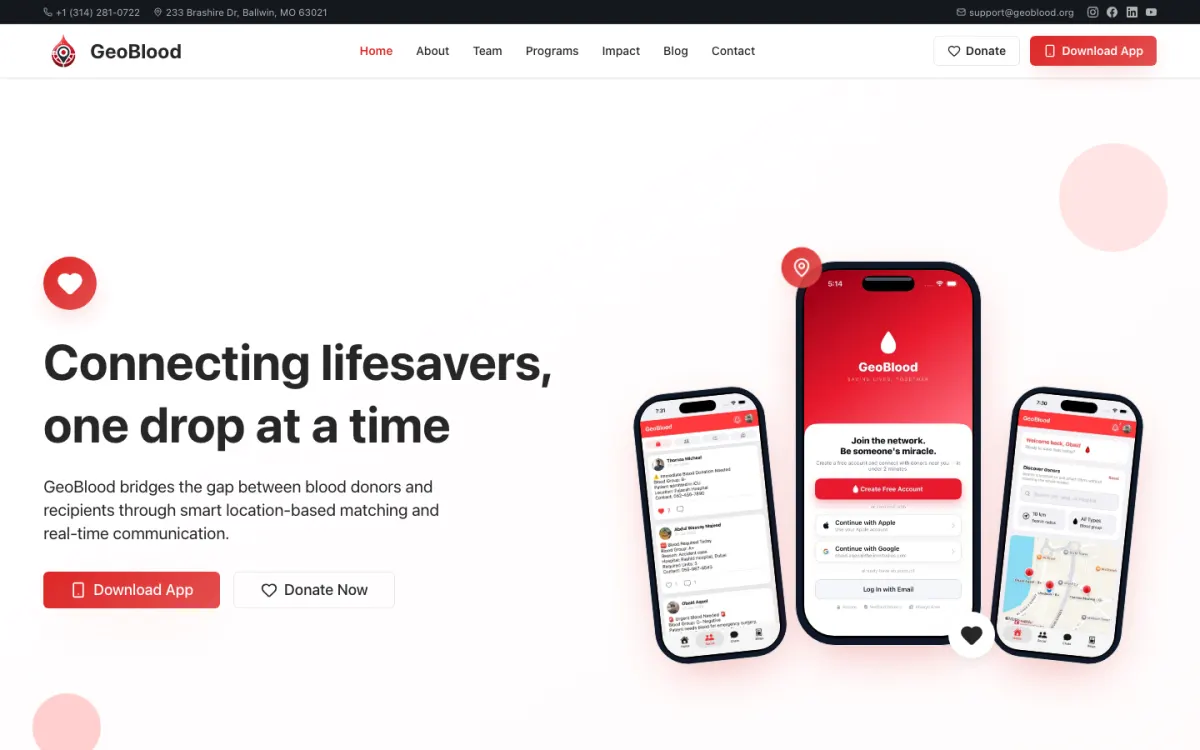

Health Platform
GeoBlood
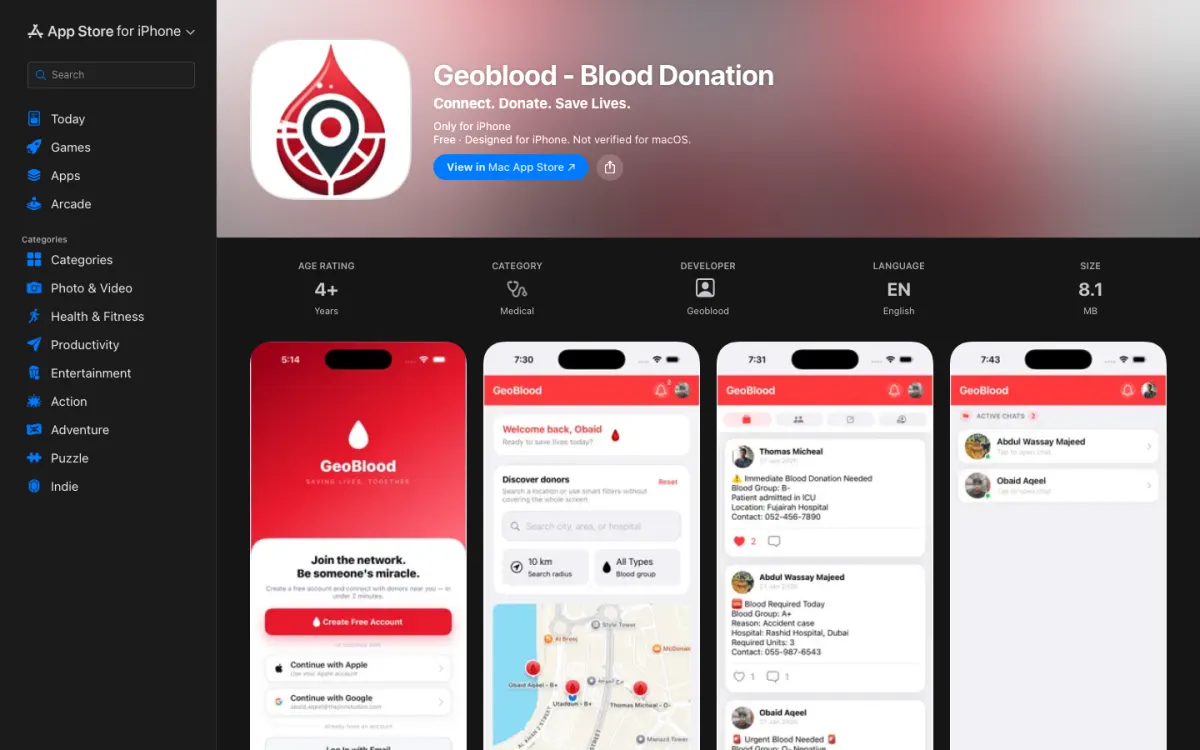
Mobile Product
GeoBlood App
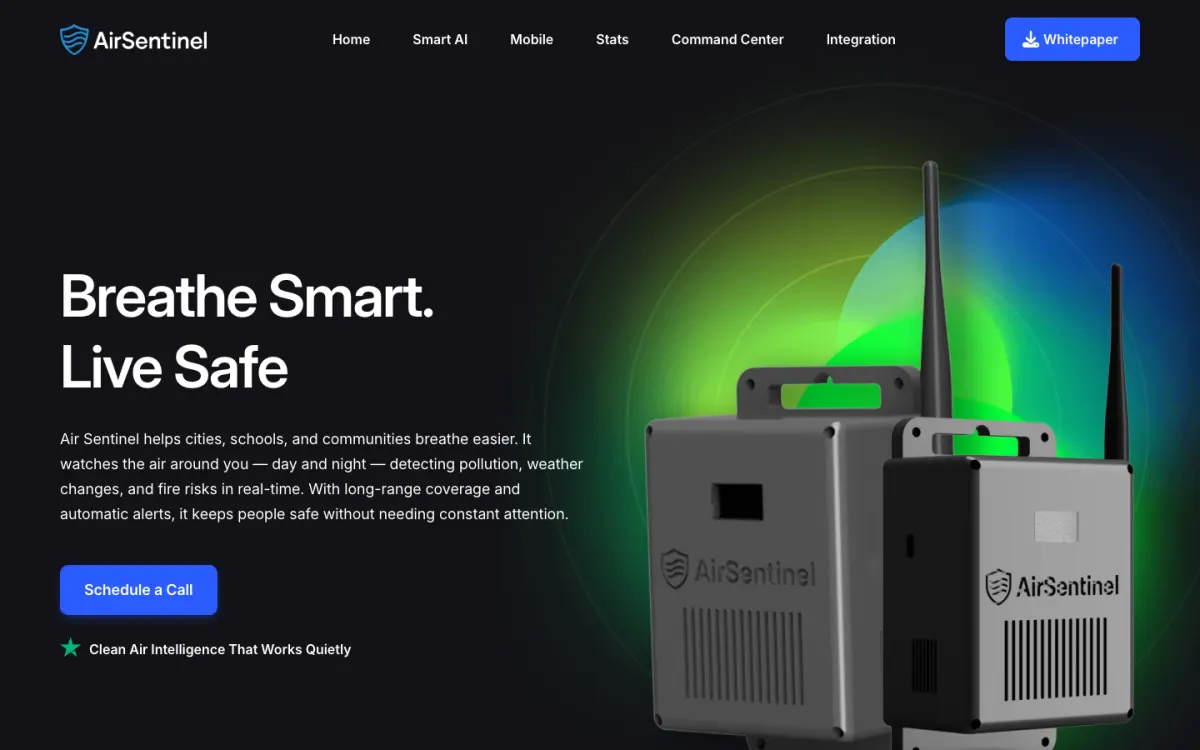

Air Monitoring
AirSentinel


Environmental Tech
BreatheIO
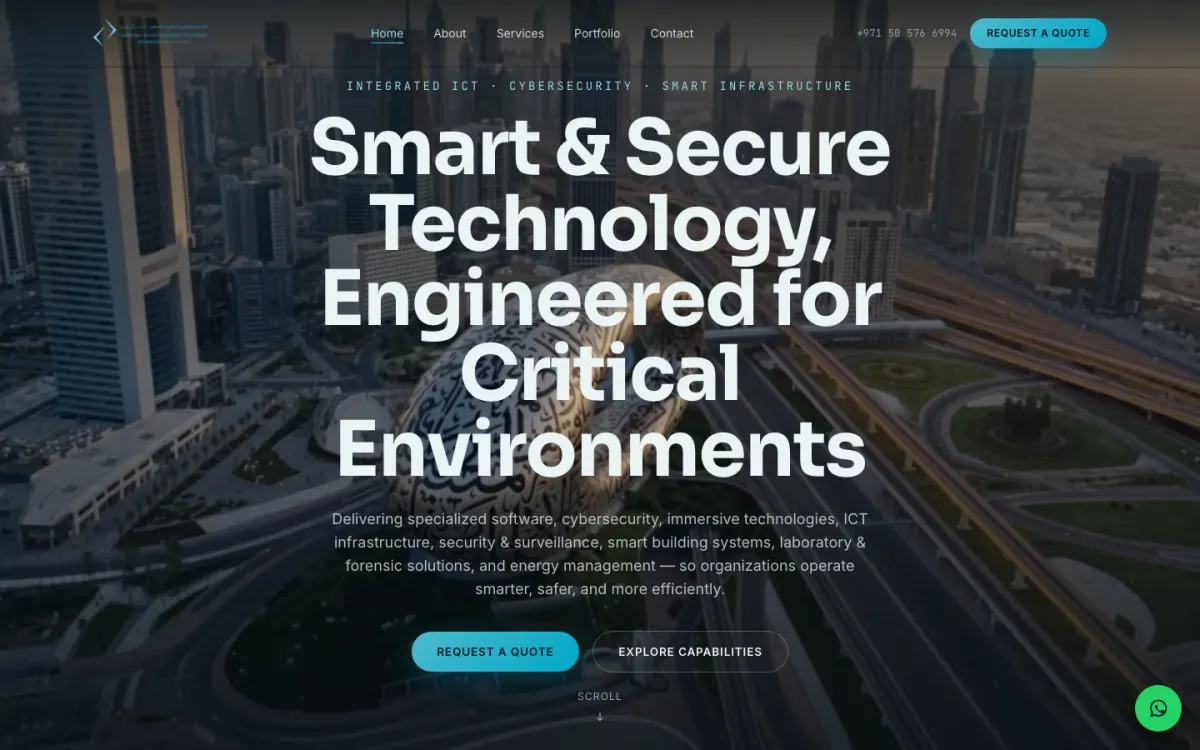

ICT / Security / Systems
Alebdaat
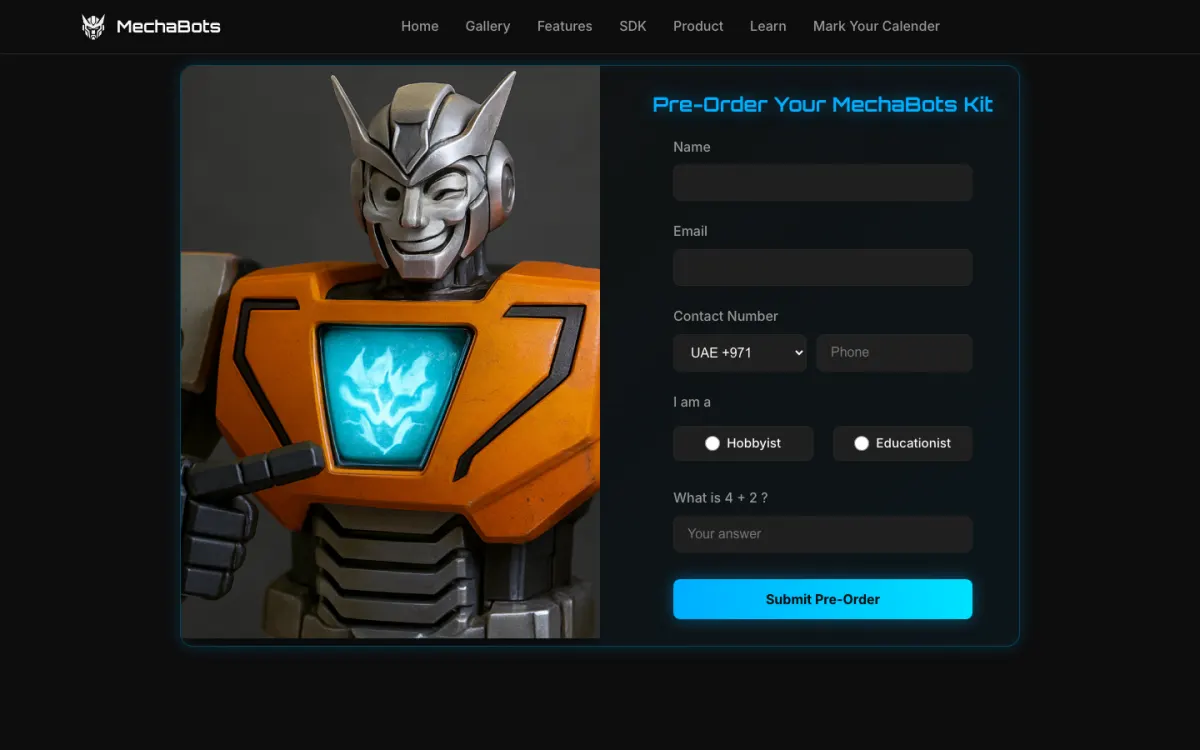

Robotics
MechaBots
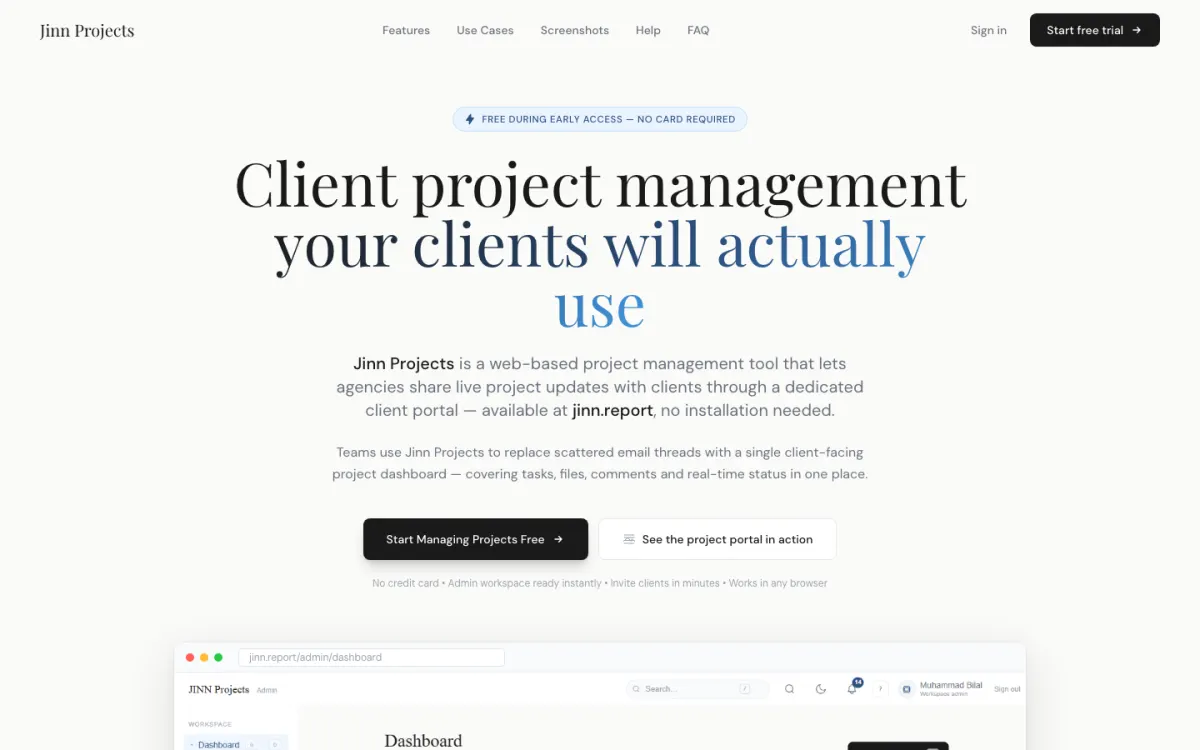

Client Project Workspace
Jinn Reports
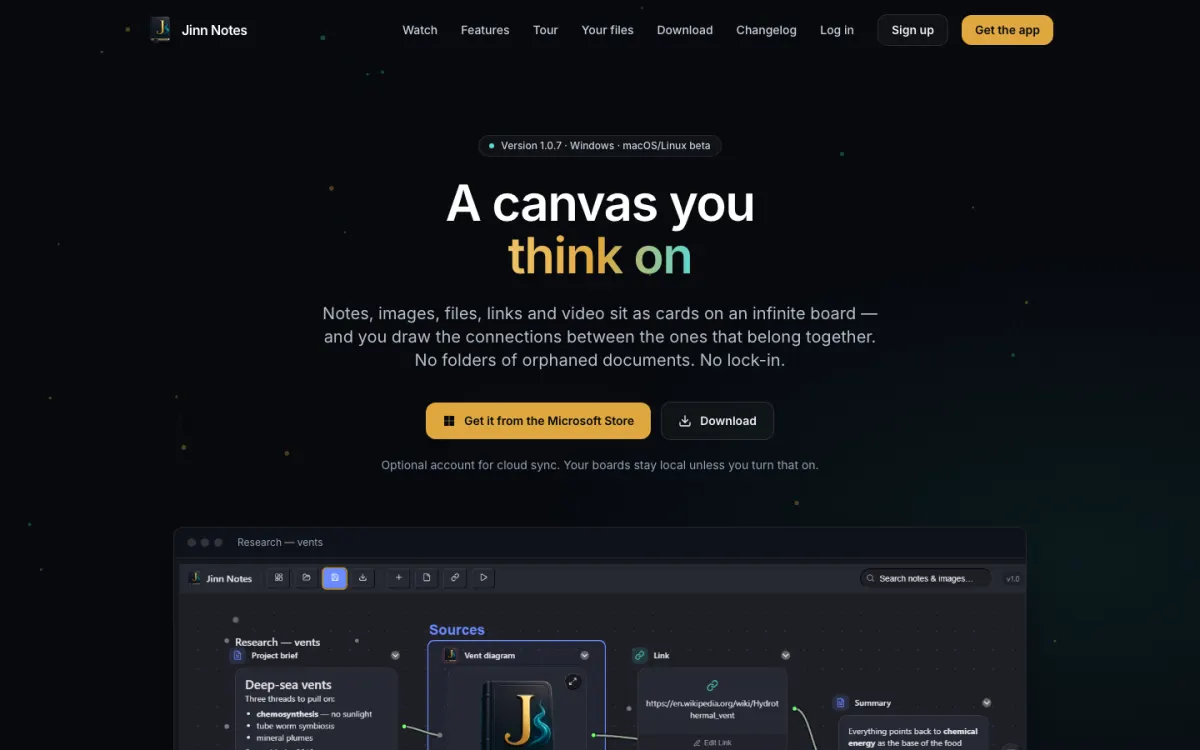

Visual Note-Taking
Jinn Notes
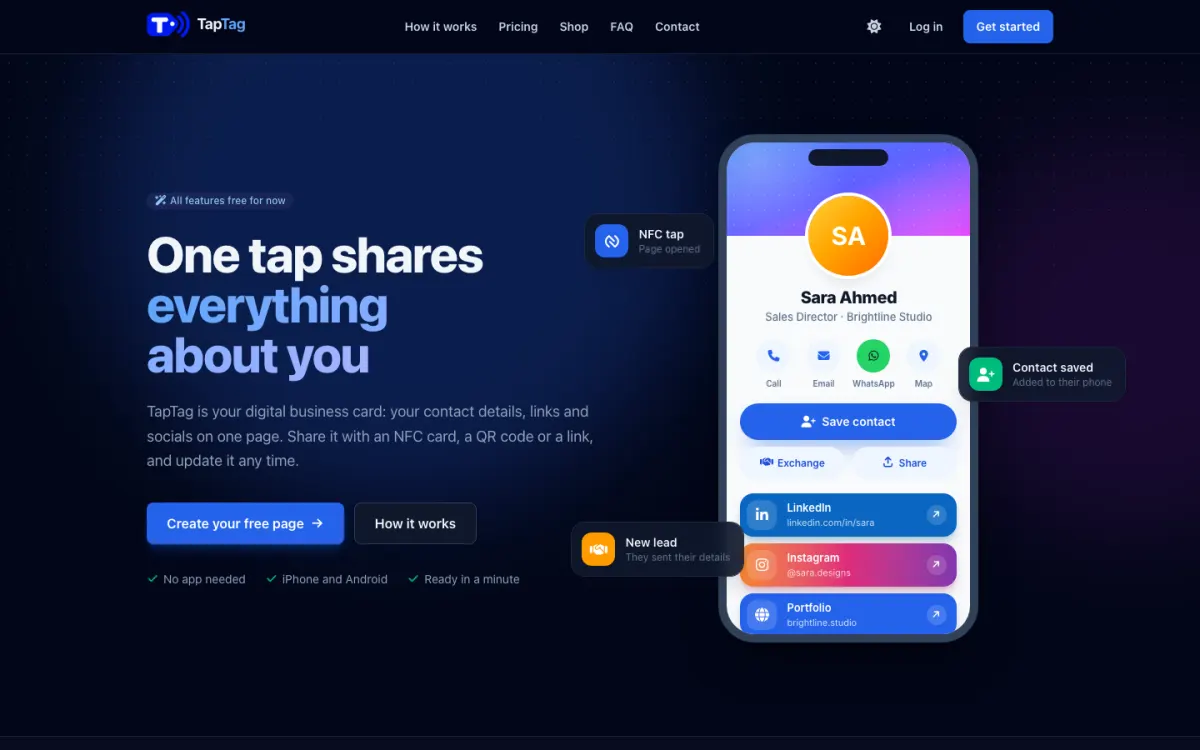

Digital Business Cards
TapTag
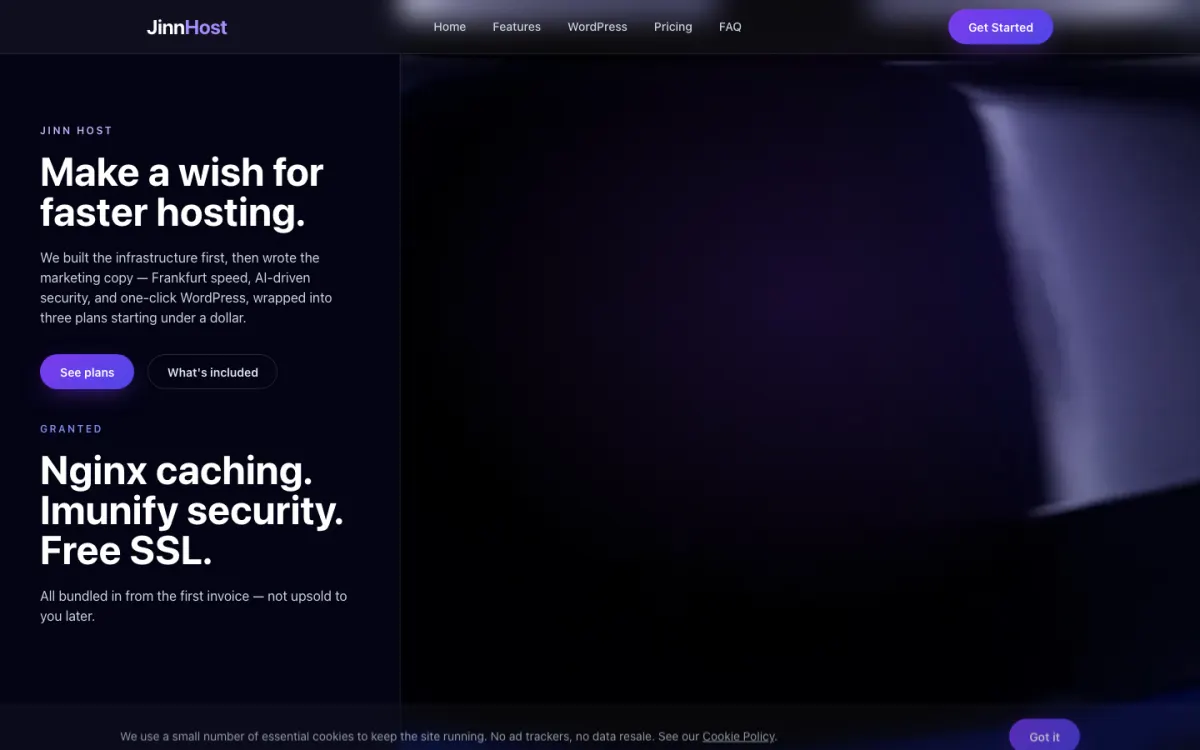

Hosting Infrastructure
JinnHost
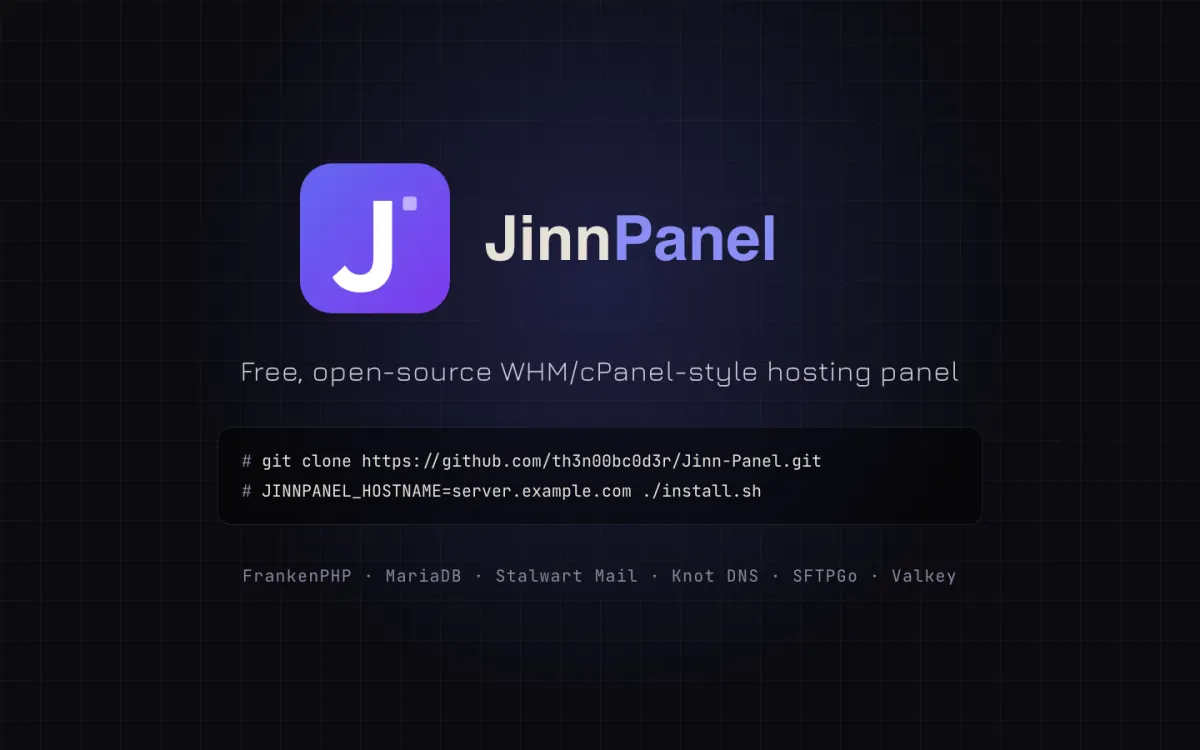
Open-Source Control Panel
Jinn Panel
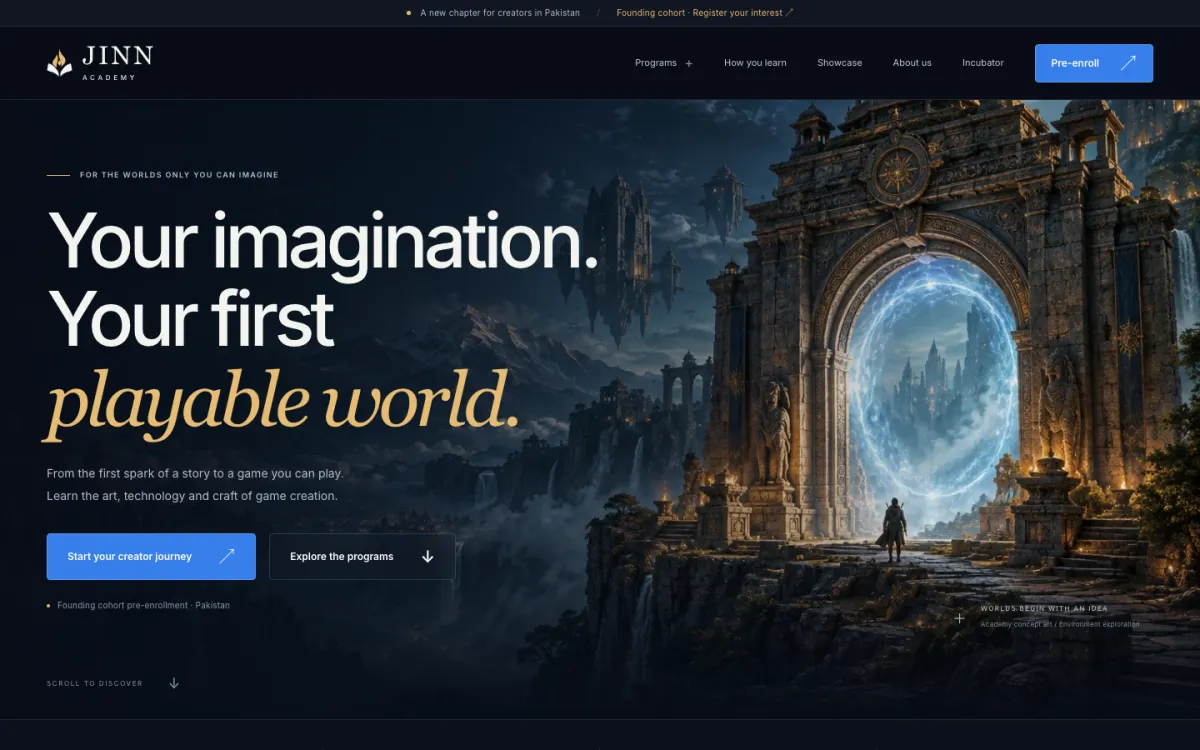

Game Development Academy
Jinn Academy
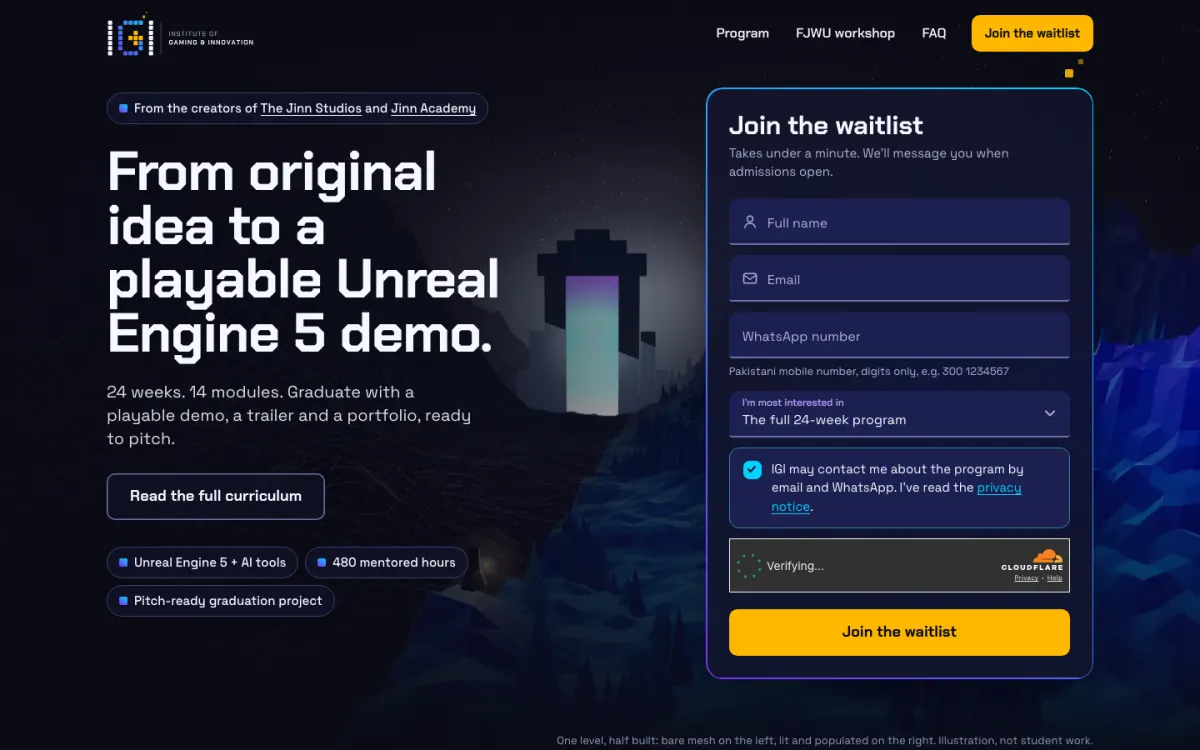

Unreal Engine 5 Program
IGI


Luxury Commerce
SHAZ
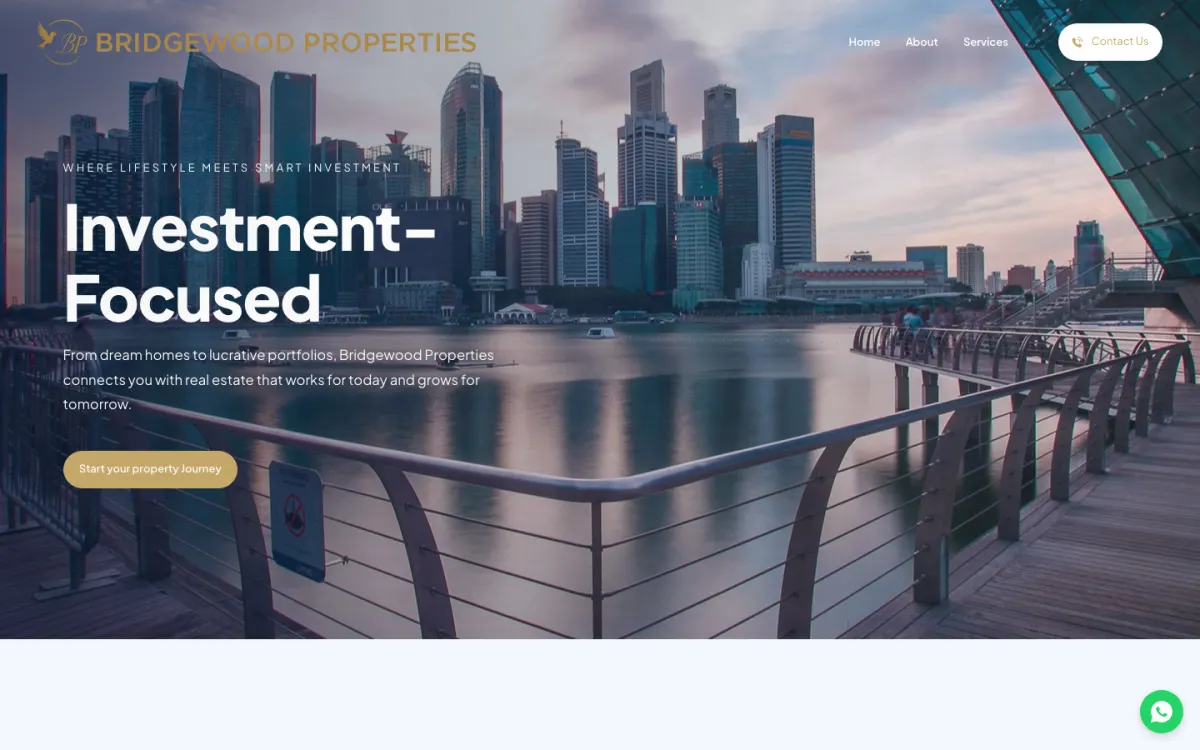

Property
Bridgewood
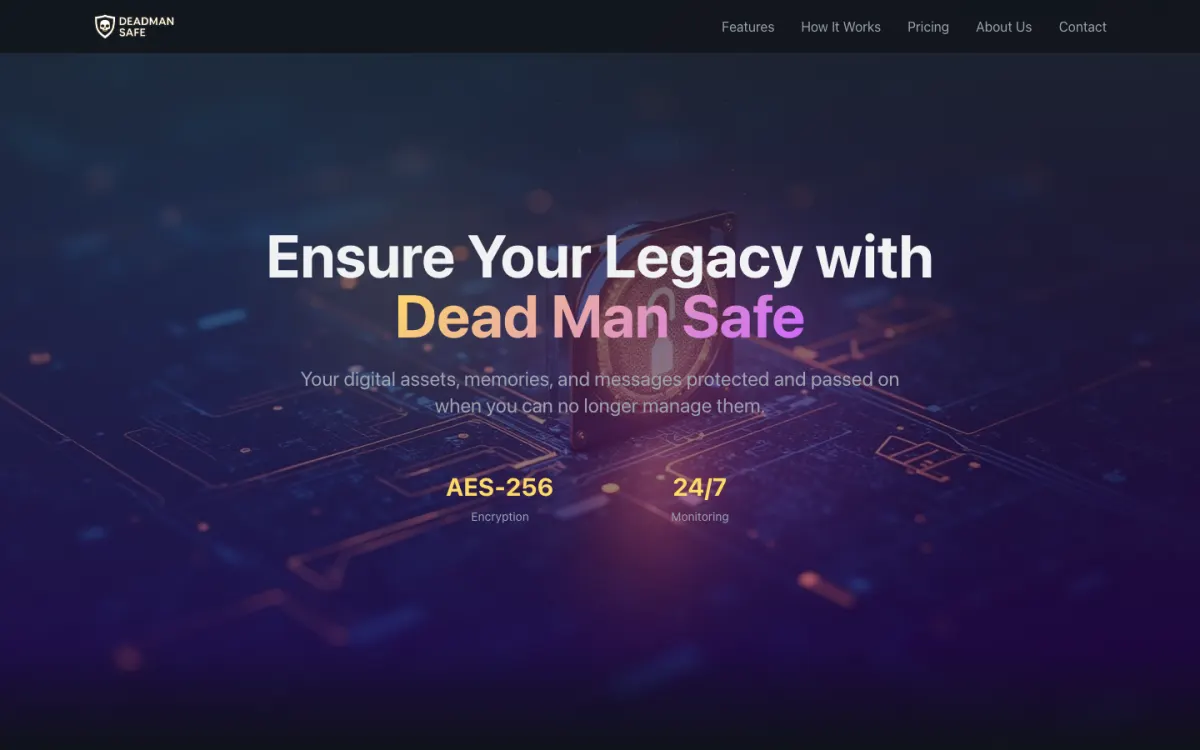

Digital Legacy
Dead Man Safe
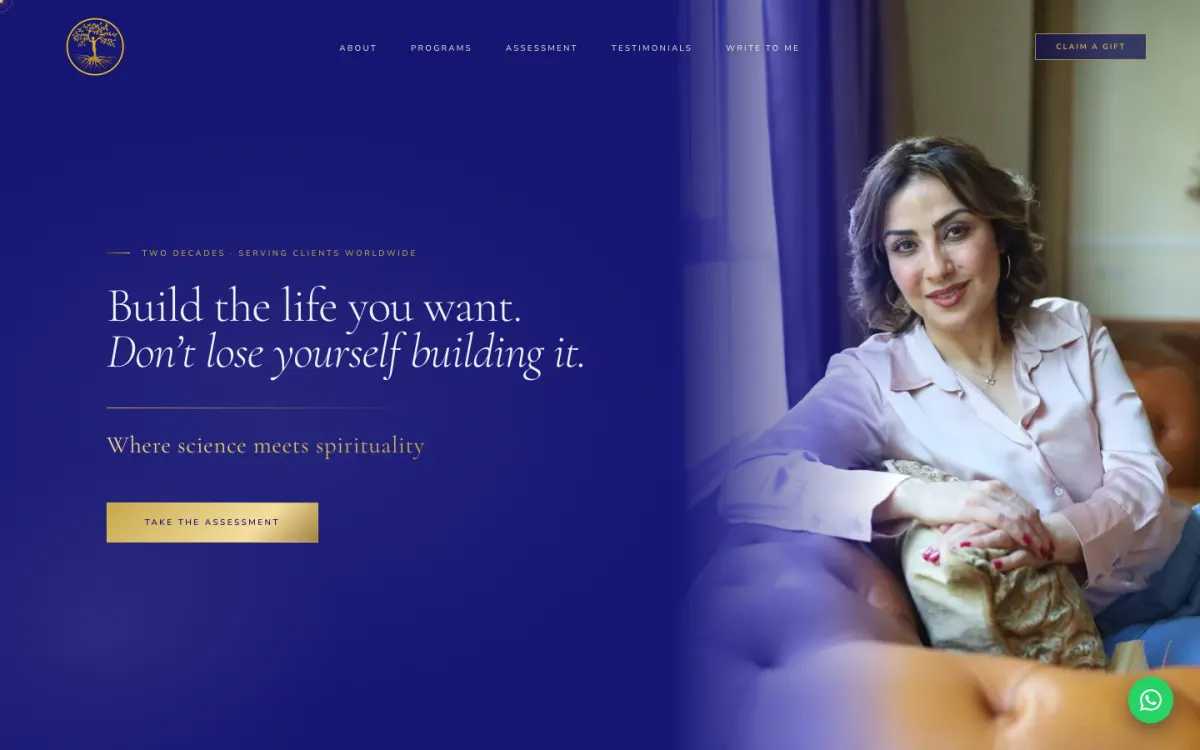

Personal Brand
Shorouk Al Abdallah
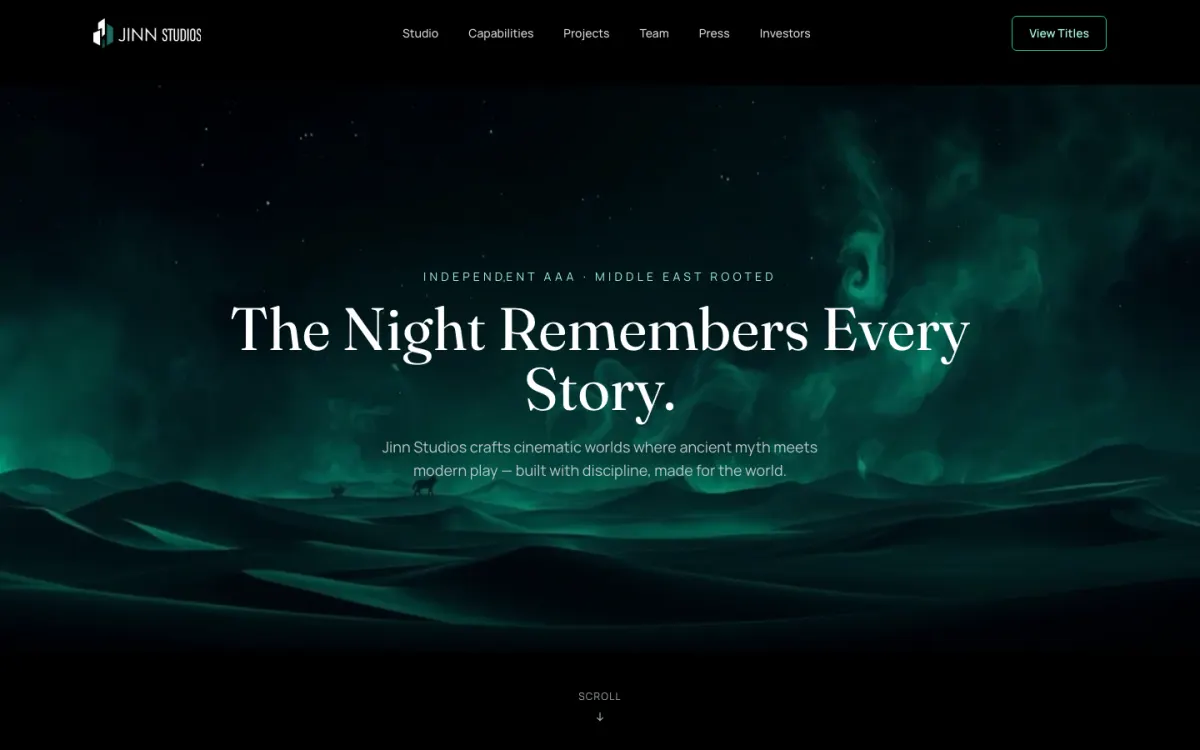

Studio
Jinn Studios
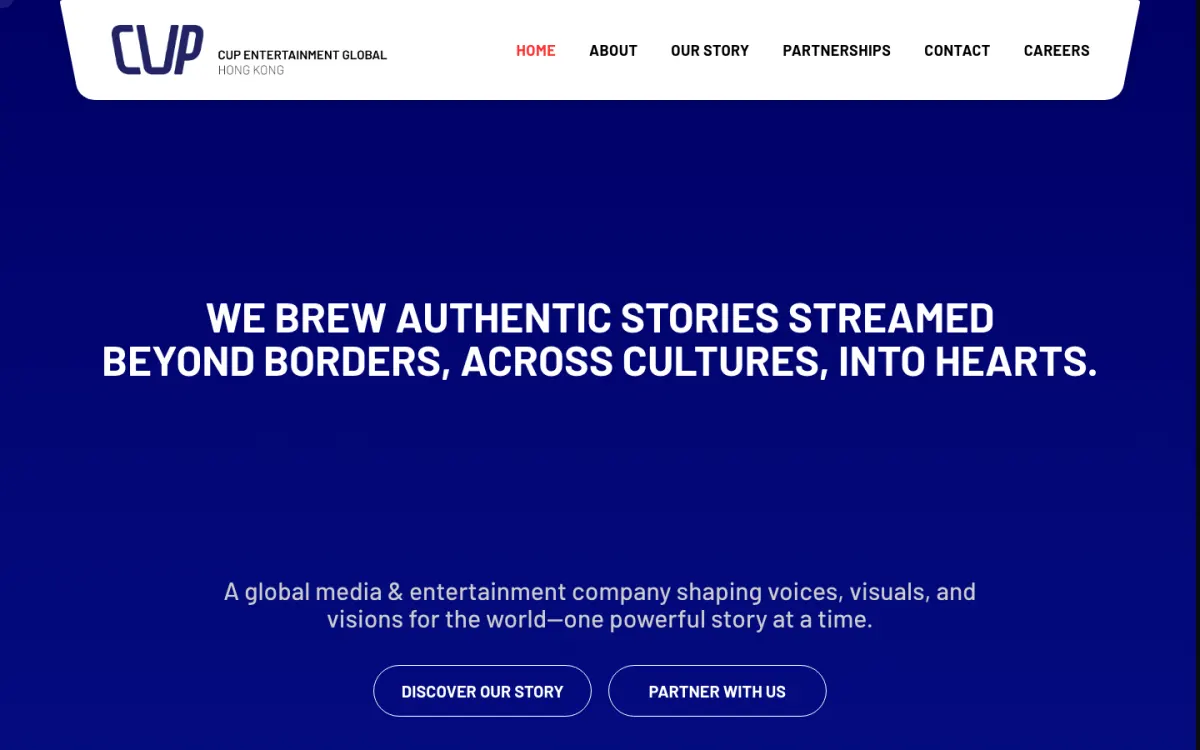

Entertainment
Cup Entertainment
Start a conversation
Ready to build a CRM
that fits your business?
Tell us how your team manages customer relationships today and where the current system falls short. We will assess the requirements and tell you honestly what a well-designed CRM for your business should look like.
After you reach out
We respond within one business day with an initial read on your requirements and the questions we need to explore before proposing a system design.
Discovery session
A structured 90-minute session to map the current sales process, identify integration requirements, and establish what the CRM needs to do at each stage of the customer lifecycle.
System proposal
A written proposal covering the CRM architecture, feature scope, integration plan, development timeline, and investment. Including the decisions that need to be made before development begins.